
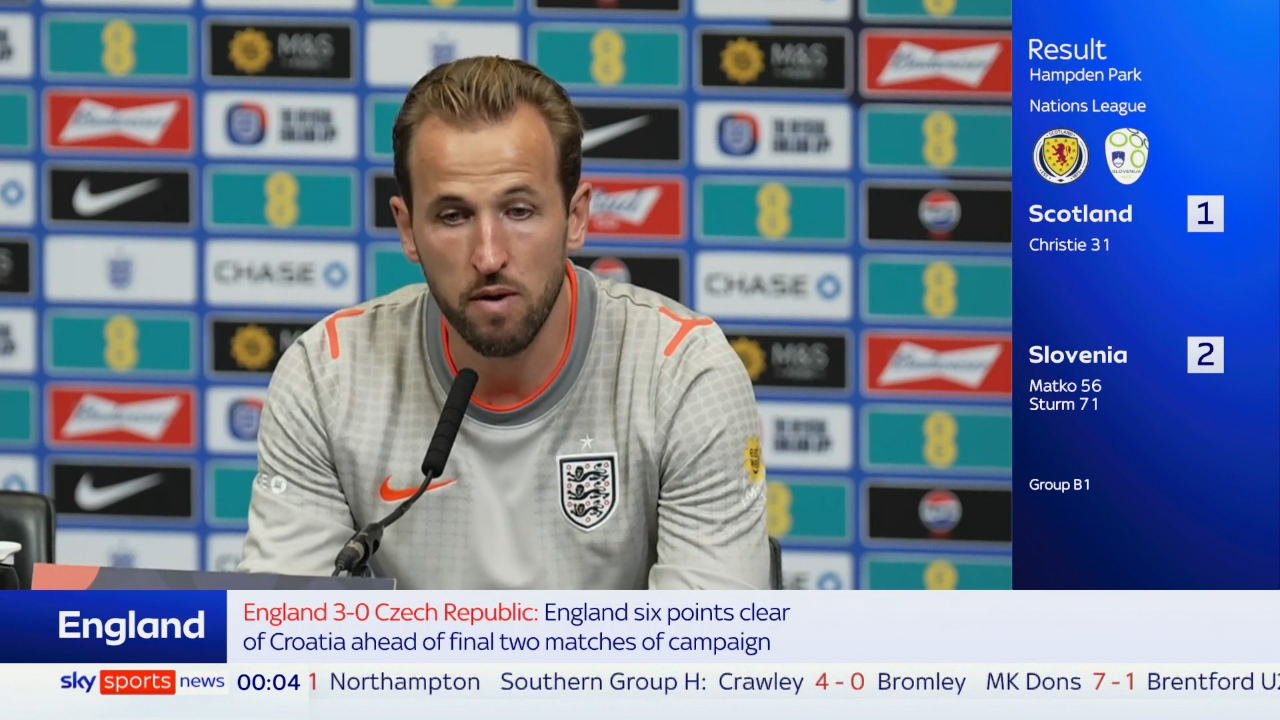
Another month, another bill — and another match you couldn’t watch without paying extra. That is the reality of UK television in 2026: endless tiers, rising prices and a stream that decides to freeze exactly when the game gets interesting.
If you are looking for an iptv provider uk that simply works, you are in the right place. One subscription, every channel that matters, and infrastructure built for the busiest nights of the week. Before you spend a penny, test everything for 24 hours free — no card, no payment details, no commitment.
This is a premium, paid service, and I’ll be upfront about that. But you should never have to gamble on quality. Watch first, judge for yourself, and subscribe only if it earns it.
🎁 Claim Your Free 24-Hour Pass
Full access · Sky Sports, TNT Sports, UFC PPV · 253,000+ VODs · no card required.
💬 Get My Free Pass on WhatsAppTable of Contents
- Why Choose Our IPTV Provider UK Services?
- The UK's Most Trusted Streaming Subscription Service
- Why are UK households switching to modern streaming subscriptions?
- One of the Best IPTV Providers UK 2026
- Compatible With All Your Favourite Devices Anytime, Anywhere
- 8k UK — Best for Comparing UK-Focused Features
- Firestick setup & installation
- Core questions & payment privacy
- Global & regional channel networks
- Adult content policy
- 253,000+ VOD & 48-hour requests
- UK pricing & guarantee
 Why Choose Our IPTV Provider UK Services?
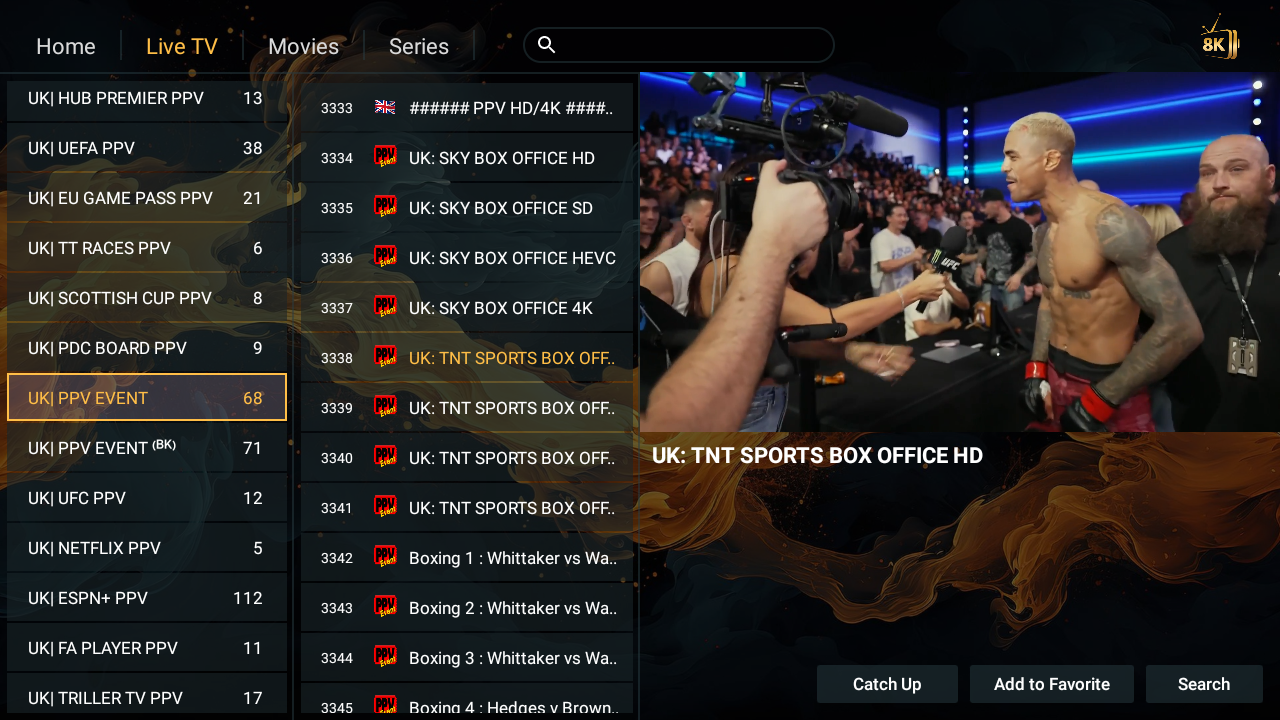
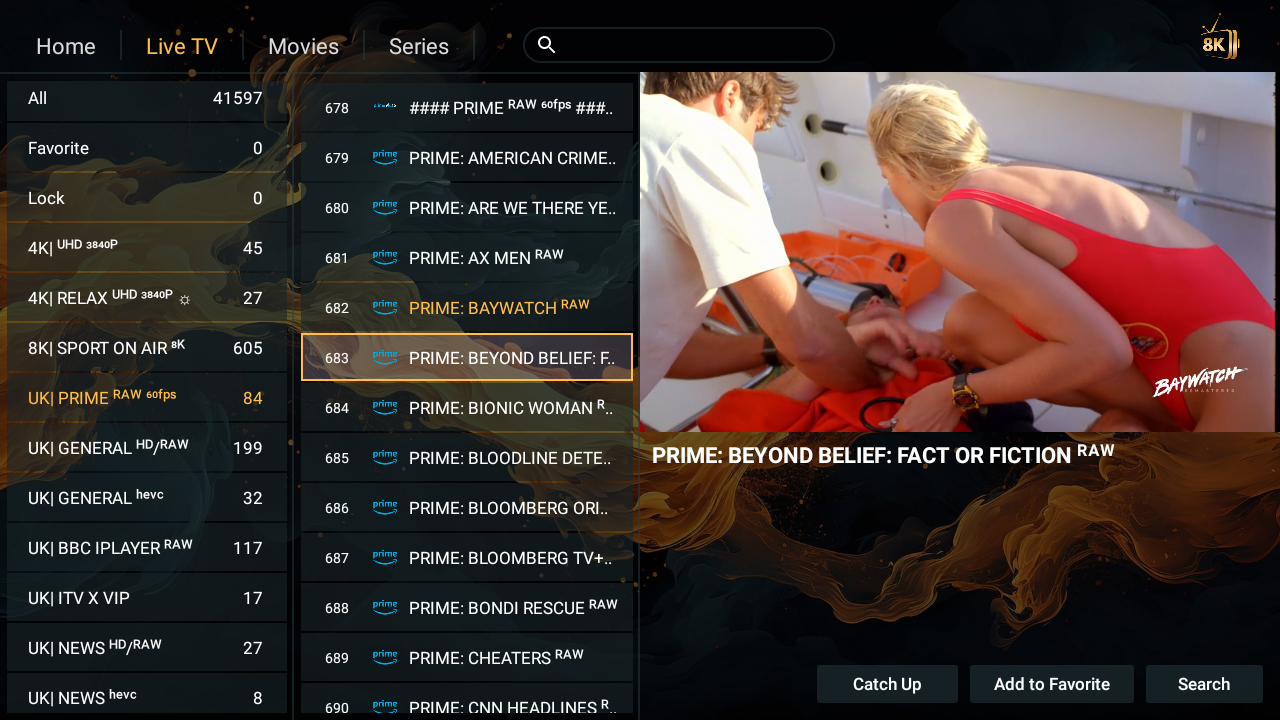
If you want the standout entertainment experience in Britain, we put a fleet of more than 51,000 live channels in your hands, with exclusive live coverage of the biggest global sporting events — the Premier League, the World Cup, UFC fight nights and rugby. It goes well beyond live broadcasts too: our service includes a vast film and drama archive of more than 253,000 titles in 4K and FHD.
Thanks to advanced infrastructure that removes buffering and freezing, you get total stability across every screen you own — Firestick, Smart TV, phone and computer. And to finish the job, you receive an intelligent customisation link that lets you edit your channel list and content: delete or reorder whatever you like, with no complications at all.
What that means in practice
- 51,000+ live channels spanning the UK and the rest of the world.
- 253,000+ films and series in the on-demand library, updated every day.
- Anti-buffering technology that holds up during peak-time traffic.
- A smart playlist manager, so your list fits how you actually watch.
- One login across all devices — no second subscription required.
The UK's Most Trusted Streaming Subscription Service
Trust in this industry is not built with slogans. It is built by doing the boring things properly: keeping servers online, answering messages, honouring refunds, and being honest about what a service is — and is not.
Four reasons UK viewers stay
- Uptime that holds. Load-balanced servers absorb peak traffic instead of collapsing.
- Support that replies. Real people, seven days a week, on WhatsApp.
- Clear pricing. One price per plan, in pounds, with no hidden extras.
- A real guarantee. A money-back window you can actually use.
Every provider claims reliability. Very few let you verify it before paying. That is exactly what the free 24-hour pass is for.
What “trusted” actually means in 2026
Trust is easy to print on a homepage and hard to demonstrate. In practice, it comes down to behaviour under pressure. Does the stream hold when the Premier League kicks off? Does a support message get answered at 10pm? Does a refund request get honoured without a fight?
Those are the questions that separate a serious service from a seasonal one. And they are all things you can observe yourself during a single evening of testing — which is why we don’t ask for payment up front.
Why are UK households switching to modern streaming subscriptions?
Walk down any street in Britain and you will hear the same three complaints. The bill keeps rising. The content is split across services. And the one thing you actually wanted to watch is always on the tier you didn’t buy.
The maths stopped adding up
Take a base TV package, add a sports tier, add a cinema upgrade, and factor in the annual increase. Then add separate subscriptions for the series everyone at work is discussing. By the time you finish, you are paying a considerable monthly sum for a fragmented experience.
The streaming answer
- One payment instead of five separate bills.
- Everything in one place — sport, films, series, news and kids.
- Portable — the same subscription on the TV, the tablet and the phone.
- No hardware lock-in — no dish, no proprietary box, no engineer visit.
That shift is why so many UK households now treat modern streaming as the default and traditional bundles as the fallback.
The hidden cost of bundle creep
Bundle creep is the quiet villain of household budgets. It rarely arrives as a single big increase. Instead, it is a small add-on here, a “free for three months” tier there, and an annual uplift you barely notice because it is buried in the paperwork.
Add it up after two years and the total is startling. Modernising your setup is less about chasing a bargain and more about stopping that slow accumulation — one payment, one list, one predictable figure each month.
One of the Best IPTV Providers UK 2026
What separates the leading services in 2026 is not channel count — everyone claims big numbers. It is the quality of the engine underneath.
Strong 8K infrastructure
- Stable 4K picture on supported streams, with 8K headroom where available.
- Fast channel switching — zapping feels instantaneous.
- Early VOD updates — new titles appear the moment they are released.
- Continuous capacity management — extra load is absorbed, not ignored.
Your self-management dashboard
Every subscriber receives a private dashboard link, which puts normally frustrating tasks in your own hands:
ISP Lock
This secures your account to your home network and protects it against unauthorised sharing. If you travel or change broadband provider, you can reset it yourself through your private link.
Kick Device
It instantly terminates active server sessions, clearing glitches or refreshing a stream that has gone stale. One click and you are back on a clean connection.
Reset ISP Lock
A one-click unbinding tool for switching between routers, mobile data or international travel — no support ticket, no waiting.
What you should pay for — and what you shouldn’t
A lot of the money in traditional television goes towards things you never use: bundled channels you never open, hardware rental you don’t need, and administrative overhead that exists for the provider’s benefit, not yours.
When you pay a streaming provider, the money should go towards the parts you actually experience — server capacity, picture quality, catalogue freshness and support. That is a much better use of a monthly budget, and it is why the cost compares so favourably once you strip out the filler.
Compatible With All Your Favourite Devices Anytime, Anywhere
You should not have to buy new hardware to enjoy a subscription. Ours runs on what you already own:
- Amazon Firestick and Fire TV Cube
- Smart TVs — Samsung, LG and Sony
- Android TV boxes
- Apple TV and iOS devices
- MAG boxes
- Phones and tablets
- Windows PC and Mac
On Android-based devices you can use free players; on other systems a paid player such as IBO Player, BOB Player or TiviMate may be required — that fee goes to the app, not to us. Whatever you use, the subscription follows you.
Which device should you use?
- Firestick 4K Max: the best all-round pick — fast, compact and ideal for 4K streams and quick zapping.
- Smart TV (Samsung / LG): the tidiest option with no extra box, provided the built-in player is available for your model.
- Android TV box: the most flexible choice if you want to install multiple players and customise heavily.
- Phone or tablet: perfect for watching away from home — the same login, wherever you are.
If you are unsure which suits you, tell us what you already own and we will recommend the setup that fits it best.
8k UK — Best for Comparing UK-Focused Features
Shopping around is sensible, so here is a practical way to compare UK-focused services on features that actually matter.
| What to check | Why it matters |
|---|---|
| Peak-time performance | Saturday evenings and midweek fixtures are the real test |
| UK channel coverage | Sky Sports, TNT Sports and Sky Cinema should all be included |
| Device support | Firestick, Smart TV, Android, iOS, MAG, PC and Mac |
| Support response | Test the reply speed before you pay anything |
| Refund terms | A clear window, not a vague promise |
Run any provider through that list and the differences become obvious within a day.
How to test a provider in twenty minutes
- Open a live match during a busy slot and watch for buffering.
- Zap across ten channels and note how quickly each one loads.
- Start a 4K film and check the picture on your own screen.
- Open the TV guide and confirm programmes are populated.
If all four pass, the service is doing its job. If one fails repeatedly, you have your answer — and you have not paid a thing.
Firestick setup & installation
Ce dont vous avez besoin avant de commencer
- An Amazon Fire TV Stick — standard, 4K or 4K Max.
- A stable internet connection — around 10 Mb/s for HD and 25 Mb/s for 4K.
- Your login details — username and password, or an M3U / Xtream Codes set (host with port, username, password).
- A compatible player app — we recommend our own, and it is free.
- Our 8K VIP Player, included free with your subscription.
Comment installer 8K PLAYER VIP sur Firestick (Notre application recommandée)
- Install the Downloader app from the Amazon App Store.
- Open Downloader and enter the code: 2057169.
- Click Go to download 8K Player VIP automatically, then install it.
- Open the app and click Continue, then Add to add a playlist.
- Enter the Username and Password we provided.
- Click Add to Reading List and wait 3–5 minutes for the content to load.
Comment télécharger IBO Player sur Firestick
Launch the Downloader app and enter code 1171959, then download and install. IBO Player works well on Smart TVs and mobile devices with a simple activation.
Comment télécharger TiviMate sur Firestick
Launch Downloader and enter code 272483, or the URL tivimate.com/apk, then download and install. TiviMate is a popular choice for its clean interface and full TV guide.
how to download iptv smarters on firestick
Launch the Downloader app, enter code 922519, then download and install. Smarters Pro supports multiple screens and catch-up on supported channels.
Finalising your installation
- Open your chosen app and enter your Username and Password, or add your M3U link / Xtream Codes details.
- Let the channel list and the EPG guide populate fully before you start zapping.
- Storage tip: once the app is installed and working, delete the downloaded APK inside Downloader to free up space on your Firestick.
Fire TV features you will notice
- Optimised performance on Fire TV Stick and Fire TV Cube.
- Full EPG guide with programme information for your channels.
- VOD in 4K, including recent releases.
- Catch-up TV where the channel supports it.
- Alexa voice control for faster navigation.
- Parental controls to lock categories you don’t want exposed.
Core questions & transparent payment privacy
What is the best IPTV?
The one that is still stable when everyone is watching. Our service runs on Strong 8K IPTV, which is why peak-hour performance holds, 4K picture quality stays crisp, and VOD updates arrive quickly.
Does Strong 8K IPTV use invoices?
No — we do not rely on complex official invoices or personal data tracking. Your privacy comes first. We accept two fast, globally trusted payment channels:
- Wise — low fees and safe, direct bank transfers.
- PayPal — one-click processing without exposing your card data.
Once payment is complete, your activation and private link arrive instantly by email or WhatsApp. No billing portal, no statement to archive, nothing to keep track of. You can read how Wise handles transfers and how PayPal protects buyers on their own sites.
What does the free trial include?
- Zero cost — genuinely free, no hidden fee, no auto-renewal.
- Instant access — credentials sent within minutes.
- Full features — every channel, the entire VOD library.
- No credit card required — nothing stored, nothing charged.
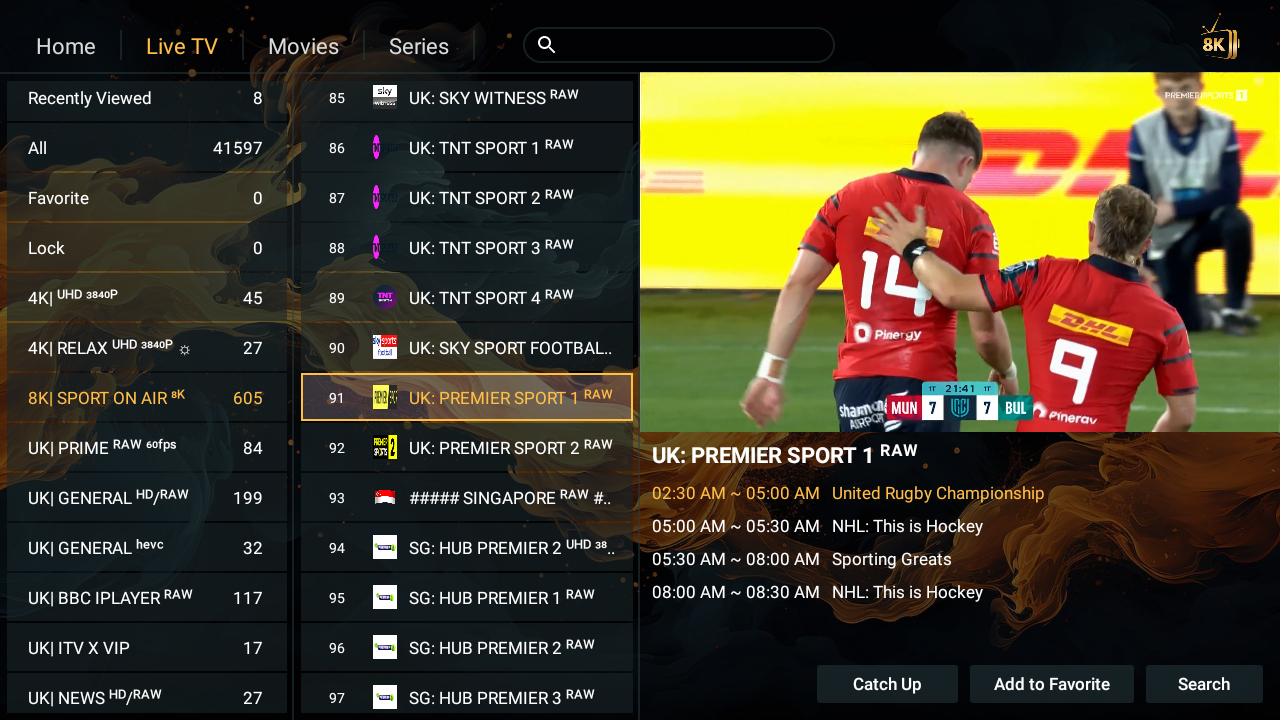
Massive global & regional channel networks
UK premium sports & entertainment
- Sky Sports — Main Event, Premier League, Football, F1, Cricket, Golf, Arena/Action.
- TNT Sports 1–4, Premier Sports 1 & 2, Eurosport UK.
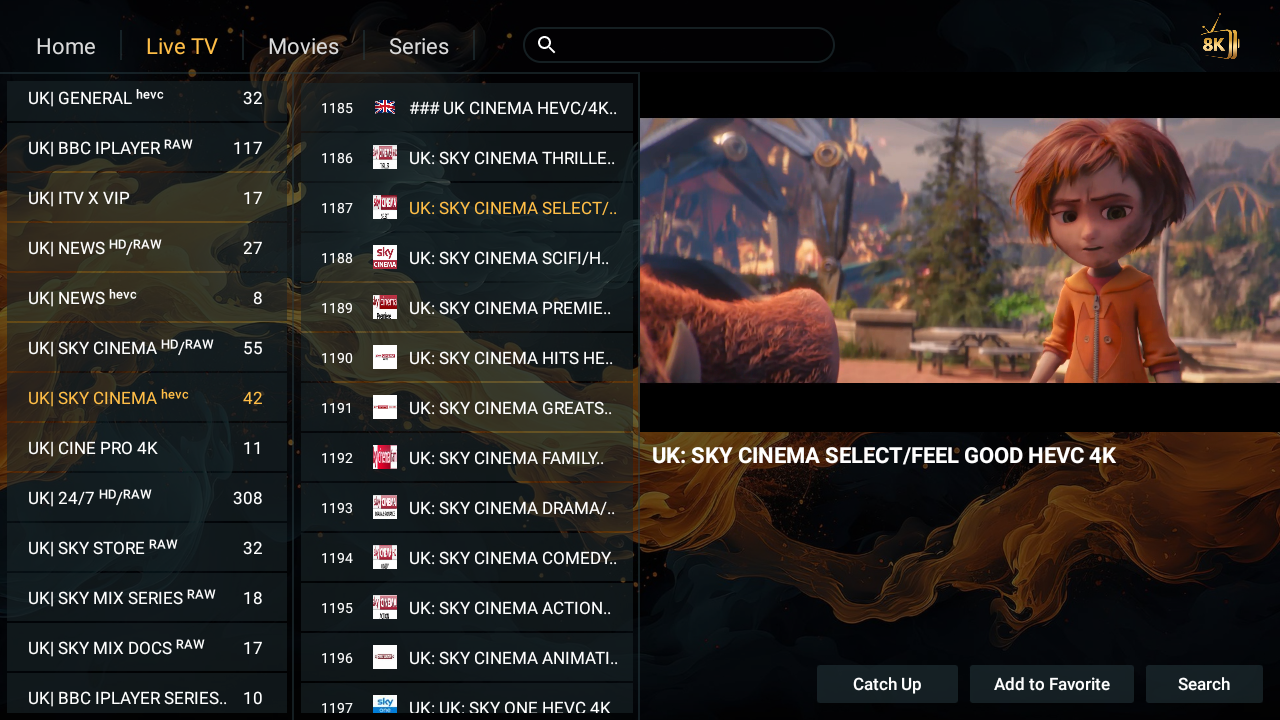
- Sky Cinema — Premiere, Action, Comedy, Drama, Sci-Fi, Family, Greats.
- Sky Witness, Sky Max, Sky Comedy, Sky Atlantic.
- Nickelodeon UK, Cartoon Network UK, Disney Channel UK.
- TNT Sports Box Office, Sky Sports Box Office, UFC PPV.
US sports & entertainment
- ESPN, FS1, NBC Sports, CBS Sports.
- NFL Network, NBA TV, MLB, NHL.
- HBO Max, Showtime, Starz, Cinemax, Paramount+.
- Fox News, CNN, MSNBC.
- ION Network — ION Plus, ION Mystery, ION Television, ION Bold (official details at ION Television).
- Discovery, Nat Geo, History, Disney, Cartoon Network.
French & global coverage
You also get beIN Sports France, Canal+, DAZN France, Ciné+ and OCS, plus full coverage for Australia, Canada, Spain, Germany, Austria, Netherlands, Poland, Mexico, all Arab nations, and Asian, European and American regions. One login, one list, every language in the household.
For a French-language perspective on the same technology, see 8kfr.com and its dedicated guide to Amazon Fire TV Stick IPTV.
Why the international pack matters to UK viewers
British households are rarely monolingual in their viewing habits. One person wants the Premier League, another follows a French drama, a third keeps up with news from home. Having all of that in one subscription means nobody in the house has to compromise — and nobody has to pay for a second service to get it.
Our adult content policy
While adult channels exist on raw stream servers, we strictly REFUSE to activate them based on personal ethical and moral values. Even though we provide a playlist customization link to trim categories, the adult section is permanently blocked at the server level. If adult content is mandatory for you, our service is NOT suitable for your needs.
It is not a toggle you can enable, and it is not negotiable. This service is built for families, sports fans and film lovers.
253,000+ VOD catalog & 48-hour requests
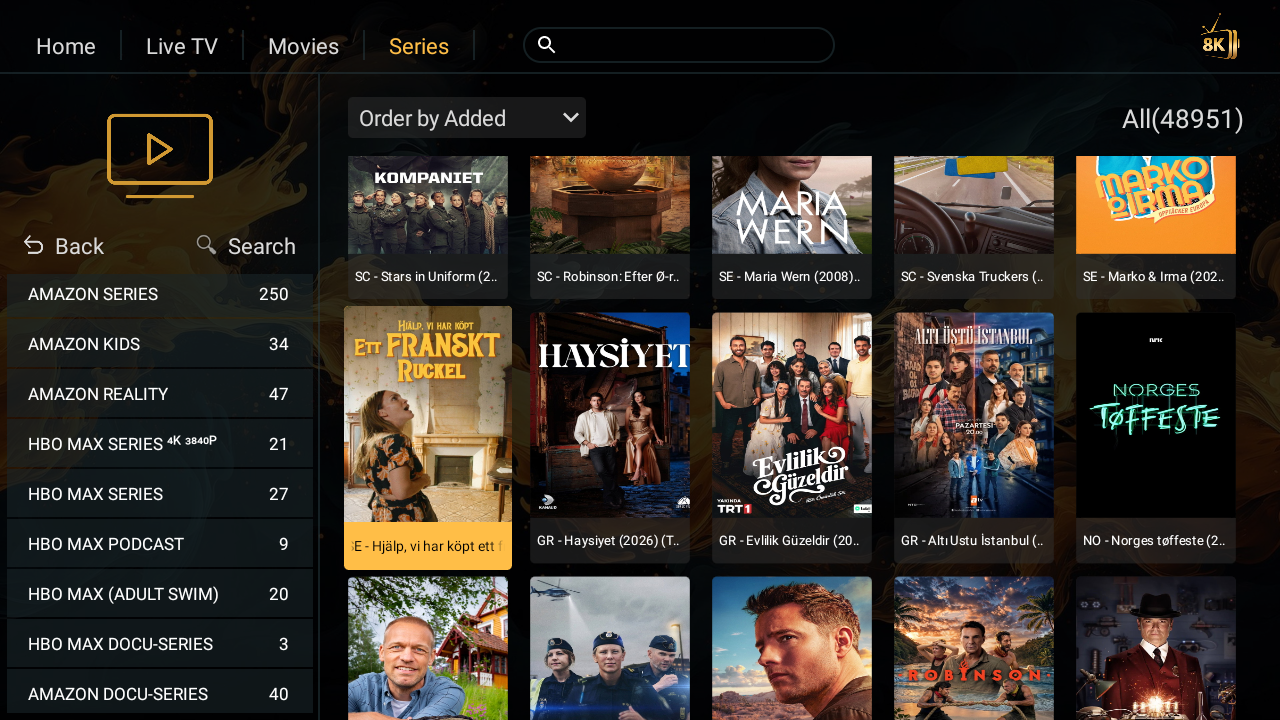
Live television is only half of what you get. The on-demand library is where the value compounds.
- 253,000+ movies and TV series, updated daily.
- 4K and HD titles, including new releases.
- Complete box sets for weekend viewing.
- Every genre — action, comedy, drama, horror, sci-fi, romance, crime, animation and family.
If a specific film or series is missing, message support with the title and release year. Where it exists, it is added in under 48 hours — usually much sooner. And our technical support runs 24/7, seven days a week, for setup and troubleshooting alike.
Transparent UK pricing with money-back guarantee
No hidden fees, no surprise increases. Every plan unlocks the same premium features — the only difference is the duration.
| Plan | Price | Included |
|---|---|---|
| 1 Month | £19.99 | 1 connection · HD/FHD/4K/8K · 51,000+ channels · 253,000+ VOD |
| 3 Months | £25.99 | Same premium features |
| 6 Months | £39.99 | Same premium features |
| 12 Months | £59.99 | Best Value — lowest monthly cost, money-back guarantee |
Every plan is covered by our money-back guarantee. Not satisfied? Ask within the guarantee window and you get your money back, with no interrogation.
To see the full range, visit the 8kuk.co.uk official portal, the UK IPTV subscription plans, or our transparent pricing tiers. If you already know what you want, you can go straight to the buy IPTV UK package.
For independent industry context, the coverage from BBC, Sky, TechRadar and The Verge gives a useful picture of how UK television keeps changing.
Frequently asked questions
Is the free trial genuinely free?
Yes — 24 hours of full access with no card and no payment details. You only pay if you decide to continue, and if you want a second look before committing, just ask and we will arrange another pass.
Which devices work?
Firestick, Smart TV, Android boxes, Apple TV, MAG boxes, phones, tablets, PC and Mac.
How quickly does it activate?
Your credentials arrive within minutes, and most people are watching inside five minutes.
Can I switch devices?
Yes. Each plan includes one connection at a time, usable on whichever device suits you. Need extra connections? Message us and we’ll arrange a custom setup.
Do I need a VPN?
No. Our network already includes built-in protection at the server level, so you don’t need to pay for or configure a third-party VPN to enjoy the service.
What happens after the trial ends?
Nothing automatically. There is no card on file and no silent renewal. If you want to continue, you choose a plan and we activate it. If not, the trial simply ends.
Your next step
You already know what UK television costs you now: money every month, and still no guarantee the match you want is included. The fix takes one message.
Claim your free 24-hour pass, put the network under real pressure, and judge it on your own screen. No card, no commitment, no risk — and no paperwork. When you are ready to choose your iptv provider uk, you will already know exactly what you are getting.
One message is all it takes to begin. Tell us your device, receive your details, install the app, and the work is done. Everything else is simply watching — and judging the result on the screen you actually use.
🟢 Start Your Free Trial Now
Free 24-hour access · Sky Sports, TNT Sports, UFC PPV · 253,000+ VODs · no card required.
💬 Claim My Free Pass